Anamorphic Workflow
It All Begins Here
Terms:
Squeezed: anamorphic footage without the correct pixel aspect input (square pixels)
De-squeezed: anamorphic footage that has been converted with the correct pixel aspect (1.33, 1.5, 2.0) this reflects the image of the normal eye.
Steps:
Convert squeezed footage to acesCG in Davinci Resolve, render out image sequence as EXR (DWAB compression for smaller file size). Be sure to maintain the correct aspect ratio of the original squeezed.
Ensure square pixels before export (this can be adjusted in your clip attributes)
I will be using Aces 1.3 for this example
2. Import the EXR sequence into Syntheyes for tracking. Adjust the “anamorphic squeeze” to match the pixel aspect of the lens and select the acesCG to rec709 conversion in the image processor to better view your colors .
Adjust the anamorphic Squeeze
not a perfect conversion, but close enough to work
3. At this point, track your footage as you normally would, for my simple shot I will run an automated blip track. You will need lots of trackers throughout the frame for the distortion to calculate accurately.
My blip settings…
4. Before solving the shot, turn on calculate distortion using the Std. Anamorpic, Merged 6th Order, setting C02, C22, and C04 to CALCULATE. Then solve your shot.
5. My initial solve was a little high, so I will run the clean up trackers workflow to get it a little lower.
My settings…
6. After some basic scaling and alignment of our camera, it is time for export. First I will export a nuke script, making sure my start frame is correct, “Use lensDistort node” is disabled (I will be using STMaps), and that the “Lens Workflow” is set to “Redistorted”. I will then export as an Alembic file for use in Houdini (or any DCC) again ensuring the proper start frame and running the “Redistorted” workflow.
Nuke export settings…
Alembic export settings…
7. The default nuke script that sytheyes generates is a disaster so please clean it up before working.
Before…
After!
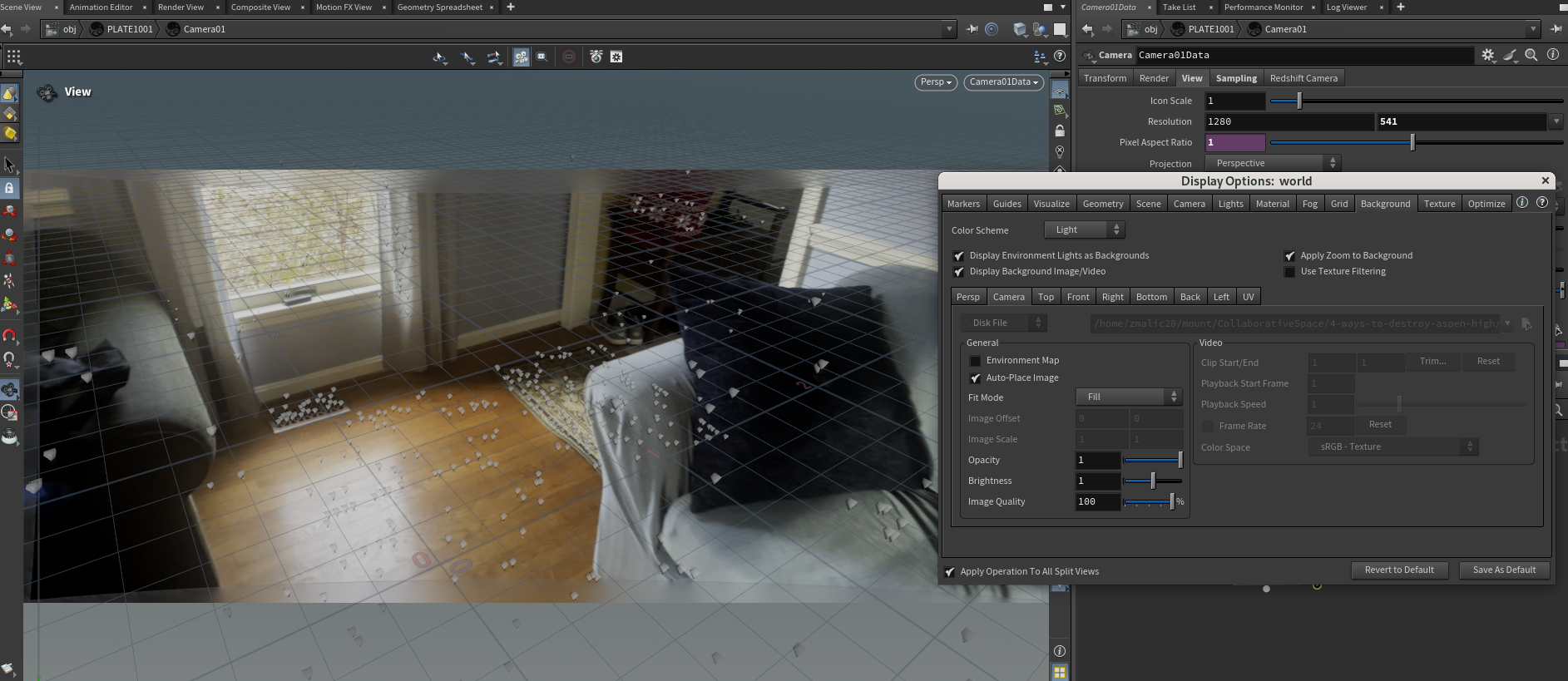
8. Edge extend your undistorted (de-sqeezed) footage to be used as a background plate in Houdini and write that sequence out as EXRs (these can be downscaled if needed).